
How to Set Up WhatsApp Automation for Small Business Customer Support
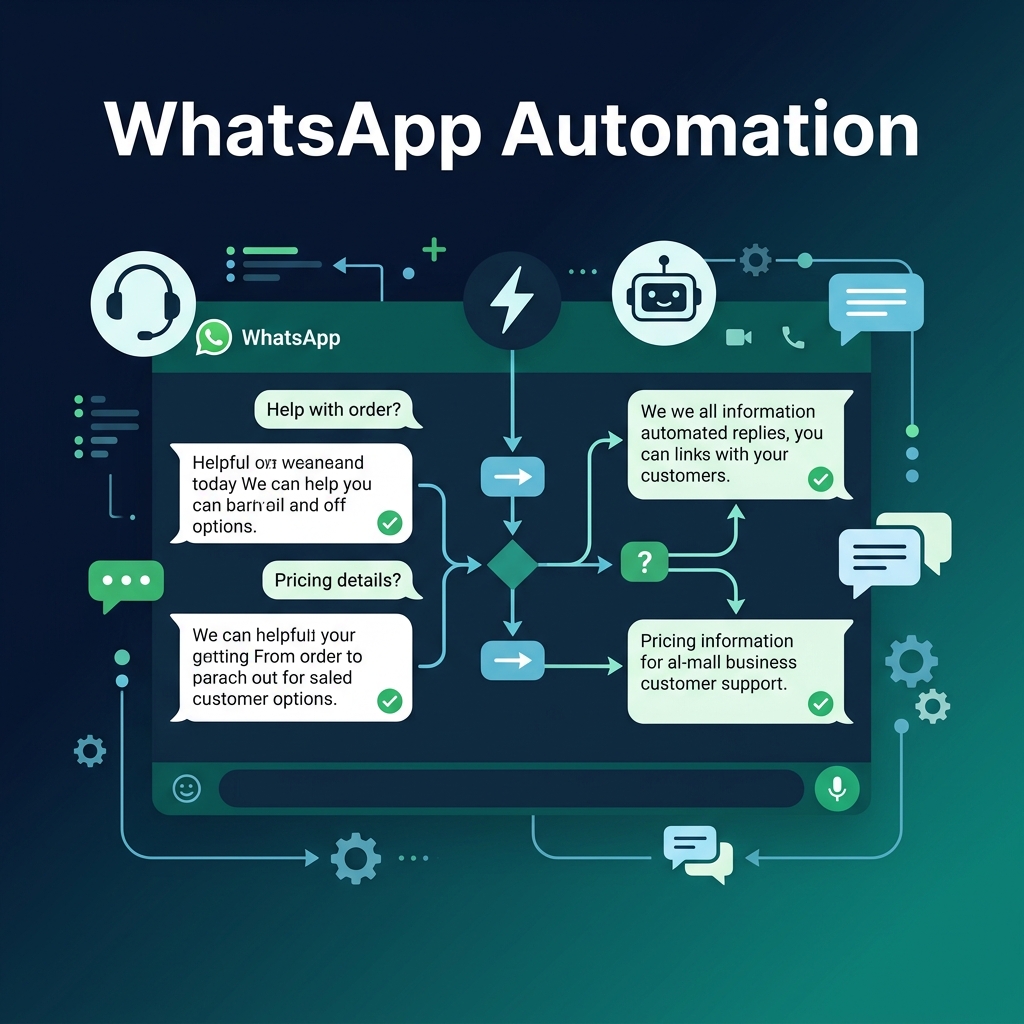
How to Set Up WhatsApp Automation for Small Business Customer Support
By SoftClinch Consulting Services | Product Featured: inaiwazhi | 7 min read
Customer support has become one of the biggest growth drivers for modern businesses. Customers expect fast replies, real-time updates, and seamless communication.
For small and growing businesses, handling customer conversations manually becomes difficult as support requests increase.
This is where WhatsApp automation becomes valuable.
At SoftClinch Consulting Services, we help businesses modernize customer communication through intelligent automation solutions. Our platform, inaiwazhi, enables businesses to automate WhatsApp conversations, organize customer communication, improve response times, and deliver better customer experiences.
In this guide, we explain how to set up WhatsApp automation for customer support and how businesses can implement it effectively using inaiwazhi.
What Is WhatsApp Automation for Customer Support?
WhatsApp automation allows businesses to automatically manage customer communication using predefined workflows and messaging rules.
Instead of manually responding to every inquiry, businesses can automate repetitive communication and focus their teams on meaningful customer interactions.
Businesses commonly automate:
- Welcome messages
- Customer inquiries
- FAQ responses
- Order notifications
- Appointment reminders
- Lead qualification
- Follow-up communication
- Support routing
The goal is to improve customer experience while reducing manual workload.
Why Small Businesses Are Adopting WhatsApp Automation
Customer expectations continue to increase. Businesses that implement automation often achieve faster communication and more efficient customer support.
Faster Customer Response
Customers receive immediate replies without waiting for support teams.
Reduced Manual Work
Support teams spend less time handling repetitive requests.
Better Customer Experience
Customers receive consistent and structured communication.
Improved Team Productivity
Teams can manage more conversations efficiently.
Higher Customer Retention
Better communication improves long-term customer relationships.
Step-by-Step Setup: WhatsApp Automation for Customer Support
Step 1: Connect Your WhatsApp Business Account
Start by integrating your business communication into inaiwazhi.
Setup Process:
- Login to the inaiwazhi Dashboard
- Open WhatsApp Integration
- Connect Business Number
- Complete Verification
- Activate Customer Support Inbox
Once connected, incoming conversations become centralized.
Step 2: Configure Automated Welcome Messages
Customers expect immediate responses.
Example Welcome Message:
Hi 👋 Welcome to our support team. Please choose an option:
- Product Support
- Order Status
- Billing Support
- Talk to Support Team
This ensures customers receive guidance immediately.
Best Practices:
- Keep messages short
- Offer clear choices
- Reduce unnecessary steps
- Include human support options
Step 3: Build Customer Support Workflows
Create automation paths based on customer intent.
Example Workflow:
- Customer Message → Welcome Message → Select Support Category → Collect Customer Details → Assign Support Team → Resolve Request → Follow-Up Message
Automation reduces delays and improves customer satisfaction.
Step 4: Organize Customer Conversations Using Shared Inbox
Managing conversations becomes easier through a centralized workspace.
Recommended Categories:
| Status | Purpose |
|---|---|
| New | Incoming requests |
| Assigned | Active support |
| Pending | Waiting for customer |
| Resolved | Completed support |
Benefits:
- Faster assignment
- Better collaboration
- Reduced missed conversations
Step 5: Enable Customer Support Automation Rules
Set automation rules to reduce repetitive communication.
Example Rules:
- Customer asks pricing → Send pricing information
- Customer requests support → Assign support representative
- Customer becomes inactive → Send follow-up communication
Automation helps maintain consistency across customer interactions.
Step 6: Track Customer Support Analytics
Measure support performance continuously.
Track:
- First response time
- Resolution time
- Customer engagement
- Message volume
- Customer satisfaction
Use reporting insights to improve workflows over time.
Step 7: Add Human Handoff
Automation should support teams—not replace them.
Example Trigger — If customers type:
- Talk to agent
- Need help
- Customer support
Automatically route the conversation to a live support representative.
How SoftClinch Consulting Services Powers Customer Support Automation
SoftClinch Consulting Services developed inaiwazhi to help businesses move from manual communication to scalable automation.
With inaiwazhi, businesses can:
- Automate WhatsApp conversations
- Launch broadcast campaigns
- Build no-code workflows
- Manage customer interactions
- Track customer engagement
- Improve conversion performance
From education and healthcare to retail and service businesses, inaiwazhi helps organizations simplify customer communication.
Best Practices for WhatsApp Customer Support Automation
- Start with simple workflows
- Keep communication concise
- Always offer human support
- Monitor performance regularly
- Improve workflows continuously
Frequently Asked Questions
Is WhatsApp automation suitable for small businesses?
Yes. It helps businesses manage customer communication without increasing support costs.
Can WhatsApp automation replace support teams?
No. Automation supports teams by reducing repetitive work.
Do I need technical knowledge?
No. inaiwazhi provides an easy setup experience and workflow-based automation.
Conclusion
WhatsApp automation has become an essential solution for businesses that want faster communication and better customer experiences.
With inaiwazhi, developed by SoftClinch Consulting Services, businesses can automate customer conversations, improve response time, and scale support operations efficiently.
Start with a simple workflow, measure results, and expand automation as customer interactions grow.
Ready to Transform Customer Support?
Start automating customer communication with inaiwazhi by SoftClinch Consulting Services and build faster, smarter customer experiences.
About the Author
SoftClinch Consulting Services is a senior engineering contributor and technology consultant at SoftClinch, focusing on whatsapp automation implementations.
Need expert solutions?
Discuss how our team can help you automate workflows, integrate SAP systems, customize applications, and accelerate organic visibility.
Schedule ConsultationRelated Articles
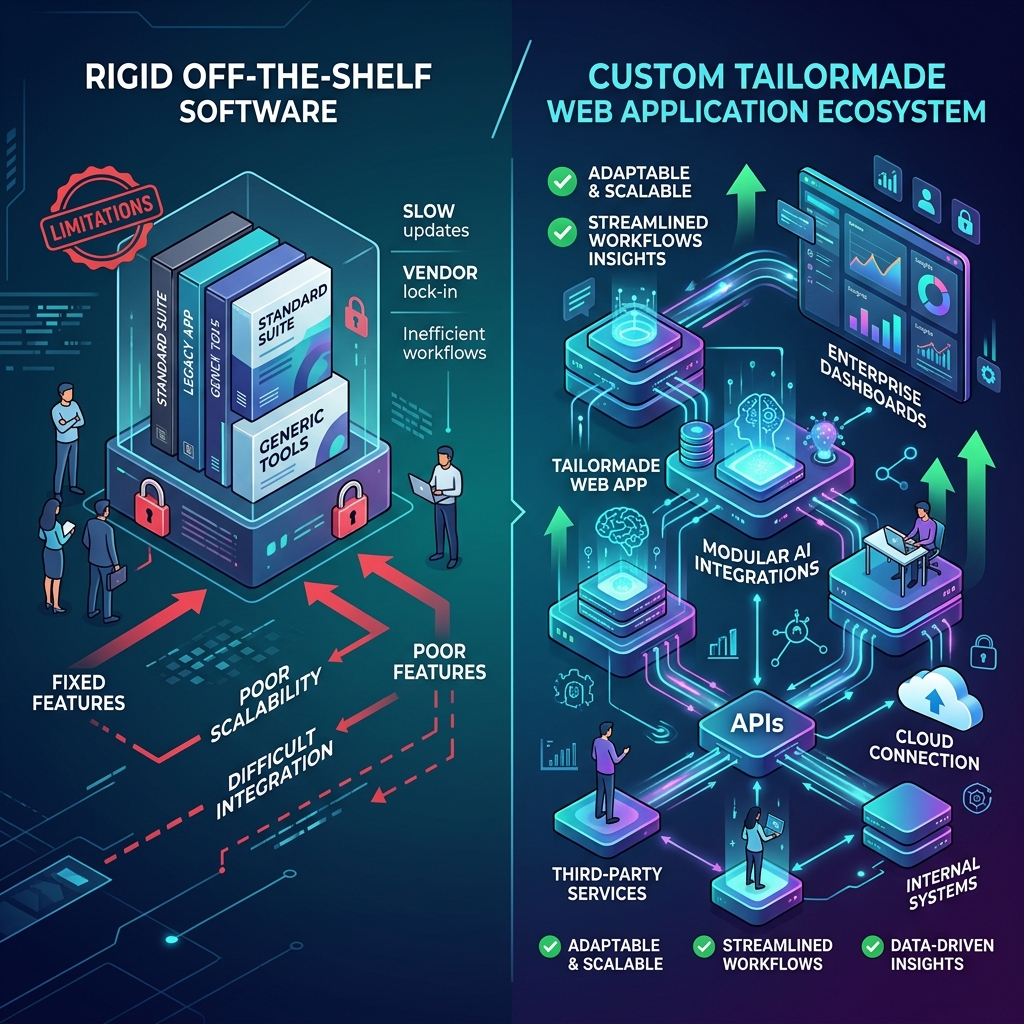
Why Businesses Are Moving from Off-the-Shelf Software to Custom Applications in 2026
Businesses are under constant pressure to work faster and adapt. Learn why organizations are switching from generic off-the-shelf software to custom applications built specifically around their workflows, AI, and growth plans in 2026.
Read More
Digital Marketing: How to Get More Leads, Customers & Sales Online
Not getting enough leads from your website? Discover how a results-focused digital marketing strategy combining SEO, Google Ads, Meta Ads, AI, and WhatsApp automation turns online search intent into measurable business growth.
Read More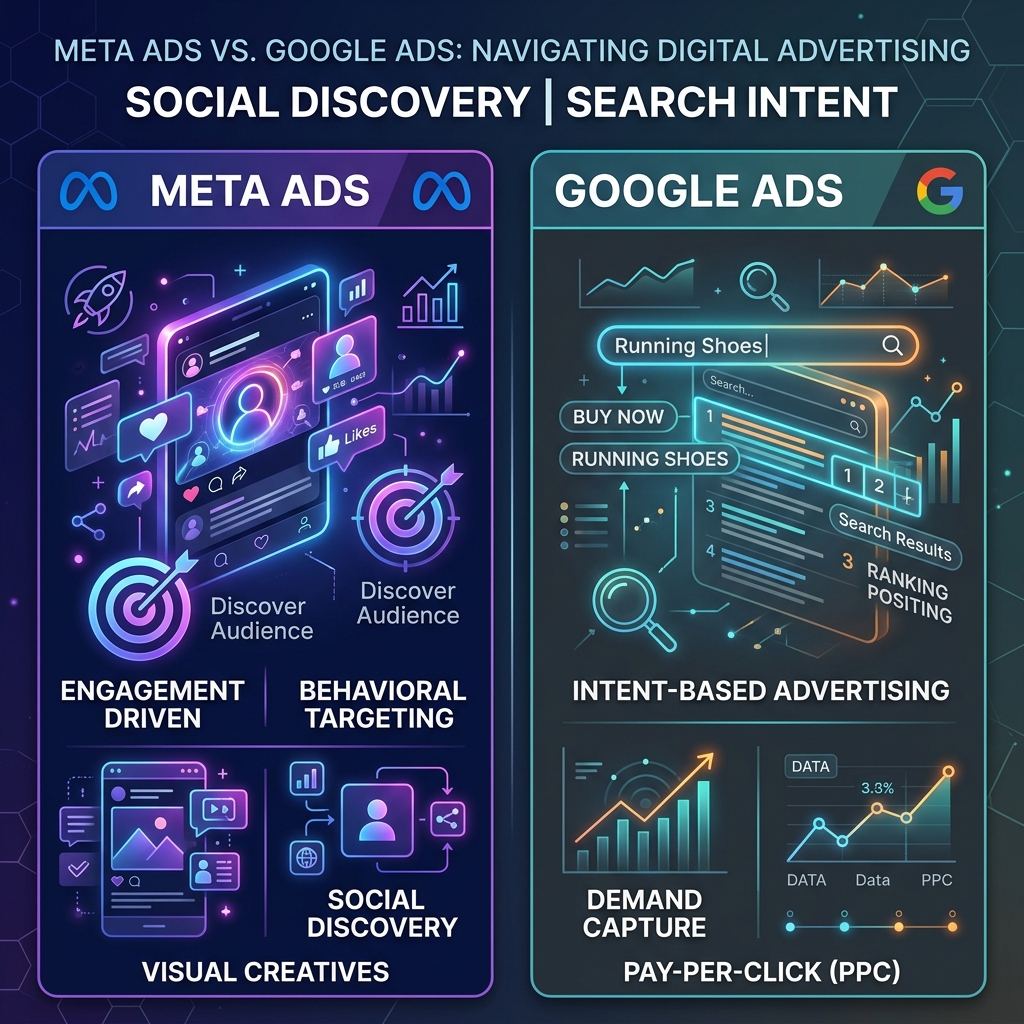
Meta Ads vs Google Ads: Which Advertising Platform Is Right for Your Business?
Choosing the right advertising platform is essential for achieving your marketing goals. Compare Meta Ads and Google Ads based on targeting, cost, intent, and business objectives to find the best fit.
Read More